
Free Checklist
Website Performance Audit Checklist
Audit your website speed step by step: measurement, Core Web Vitals, images, scripts, fonts, caching, hosting and ongoing monitoring.
Published · Tip: use your browser’s Print option to save this page as a PDF.
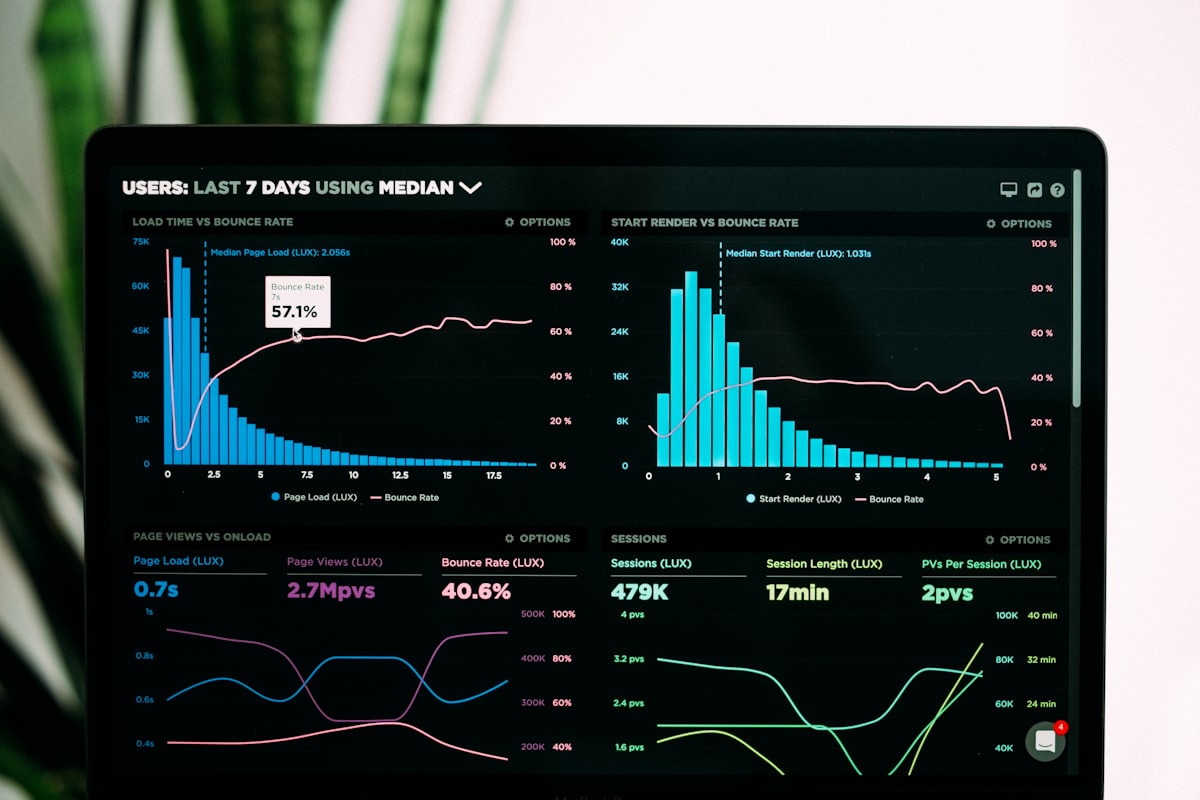
Website speed affects how many visitors stay, enquire and buy, especially on mobile networks. Use this checklist to audit performance and prioritise fixes.
1. Measure first
- Run Lighthouse (mobile) on the home page and two or three key pages.
- Check Core Web Vitals in Google Search Console if available.
- Record Largest Contentful Paint (LCP), Cumulative Layout Shift (CLS) and Interaction to Next Paint (INP).
- Note total page weight and number of requests.
Keep these numbers to compare after changes.
2. Images
- Images resized to the dimensions they are displayed at.
- Modern formats (WebP or AVIF) used where supported.
- Width and height attributes set to prevent layout shift.
- Below-the-fold images lazy-loaded.
- Hero image loaded with high priority, not lazy-loaded.
3. JavaScript
- Unused scripts and plugins removed.
- Third-party widgets (chat, social feeds) reviewed for necessity.
- Non-critical scripts deferred.
- Large libraries replaced with lighter alternatives where possible.
4. CSS and fonts
- Unused CSS reduced.
- Fonts limited to the weights actually used.
- Fonts self-hosted or preloaded with font-display swap.
5. Server and caching
- Compression (gzip/brotli) enabled.
- Browser caching headers set for static assets.
- CDN used for global or high-traffic sites.
- Server response time (TTFB) checked.
- HTTP/2 or HTTP/3 enabled.
6. Platform-specific checks
WordPress: limit plugins, use a lightweight theme, enable page caching, optimise the database.
Shopify: review installed apps, compress theme images, remove unused app code.
Custom sites: consider static generation for content pages.
7. Layout stability
- No content jumps when images, ads or fonts load.
- Space reserved for embeds and banners.
8. Re-measure and document
- Re-run the same tests after changes.
- Document improvements and remaining issues.
- Schedule a quarterly re-check.
Prioritising fixes
Fix issues in this order: oversized images, render-blocking scripts, unnecessary third-party code, caching and server settings, then fine-tuning. Most sites see significant gains from the first two alone.
Next steps
Our website speed optimisation service runs this audit for you and implements the fixes. See also the Business Website Launch Checklist.
Related services
Website Speed Optimization
Diagnose and fix slow pages, poor Core Web Vitals and heavy mobile experiences.
Learn moreWebsite Maintenance & Support
Updates, backups, security patches, content changes and uptime checks.
Learn moreWebsite Redesign
Modernise an outdated website without losing the search visibility you already have.
Learn more